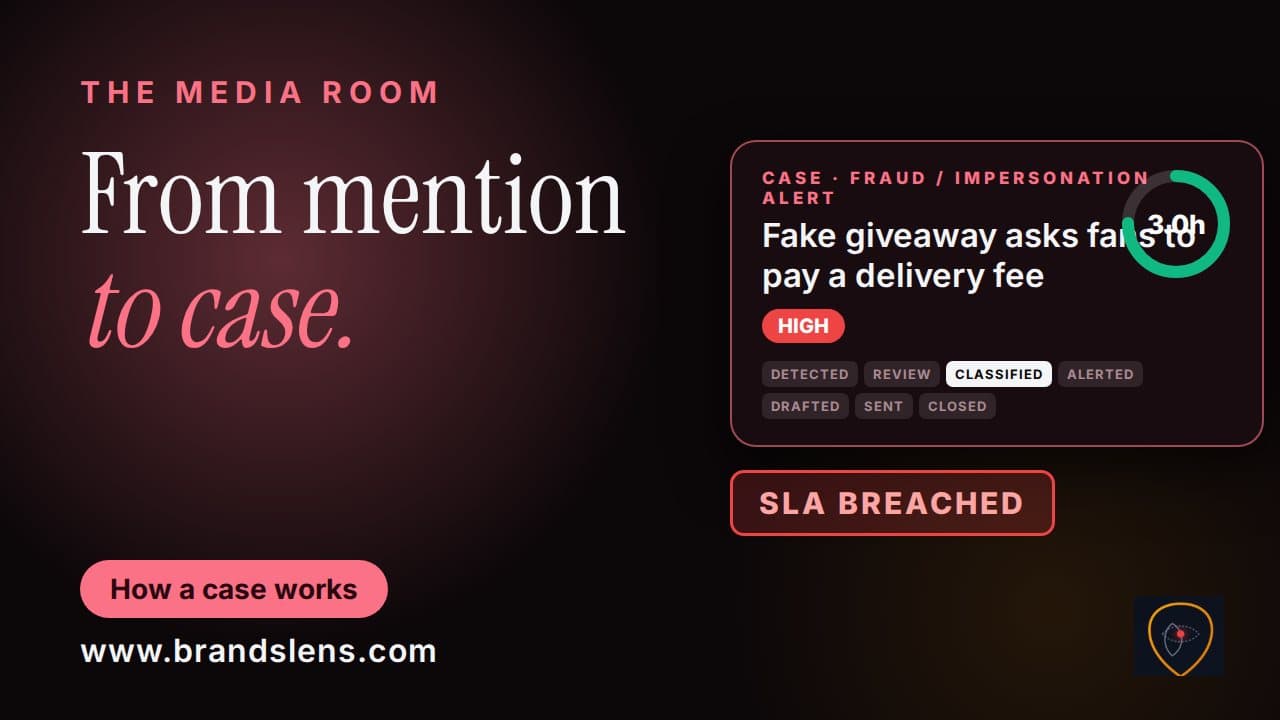
In this 1:17 tutorial you will learn how to generate an AI-assisted draft, edit it, and send it through escalation, with approval where required.
What you will learn
- Generate a first draft with AI Draft Statement, clearly marked: review before sending
- Edit the wording until it says exactly what you know, and nothing you do not
- Escalate with the draft, and see approval block sending until a senior colleague selects Approve
Chapters
Good to know
Can an AI-drafted statement go out without review?
No. The draft is clearly marked as AI-assisted and to be reviewed before sending, and regulator cases cannot be sent until a senior colleague approves them.
Transcript
Read the full transcript
Writing a statement under pressure is hard. The Media Room gives you a head start. Stay to the end to see what stops a statement going out too early.
On a case, select AI Draft Statement. BrandsLens writes a first draft, based on the case. It is clearly marked: AI assisted draft, review before sending.
Read it carefully. Edit the wording until it says exactly what you know, and nothing you do not. Select Save to Case to keep it on the case.
Or select Escalate with this Draft. The text moves into the Escalation Composer, ready to send. Some cases need approval first.
On a regulator case, sending is blocked until a senior colleague selects Approve. Once approved, the case can be sent. Draft.
Edit. Approve. Send.
And always review before sending. Next, comparing yourself with competitors. com to get started.