Learn BrandsLens, step by step.
Short video tutorials, step-by-step guides and downloads for every part of BrandsLens, from your first keyword to your first report. Watch, skim the transcript, or jump straight to the part you need.
Start here
Find your way around BrandsLens and tell it what to watch, in a few minutes.
 1:46
BrandsLens Tour: Brand Monitoring Platform in 2 Minutes
Where is everything in BrandsLens? Take the 2-minute tour of this brand monitoring platform.
 1:38
How to Set Up Brand Monitoring: Keywords, Domains & Feeds
Set up brand monitoring in minutes: tell BrandsLens which keywords, domains, news feeds and Telegram channels to watch.
 1:42
Brand Monitoring Dashboard Explained in 90 Seconds
Your brand monitoring dashboard in 90 seconds: what needs your attention today?
Everyday use
Find, filter and understand mentions, and get alerted when it matters.
 1:37
Find & Manage Any Brand Mention in the Incident Log
Find any brand mention in seconds with the BrandsLens Incident Log: filter, update and share.
 1:26
Brand Sentiment vs Severity: Read Your Analytics Right
Brand sentiment vs severity: how to read BrandsLens Analytics without misreading your data.
 1:29
Search Old Brand Mentions: Date Range & Historical Search
Last month? Last year? Search old brand mentions with the BrandsLens date range and historical search.
 1:23
Brand Mention Alerts: Email, Push & Slack Setup
Get brand mention alerts the moment they are found: set up email, push and Slack notifications.
Respond to a crisis
Cases, response clocks, escalation contacts and statements you can trust.
 1:24
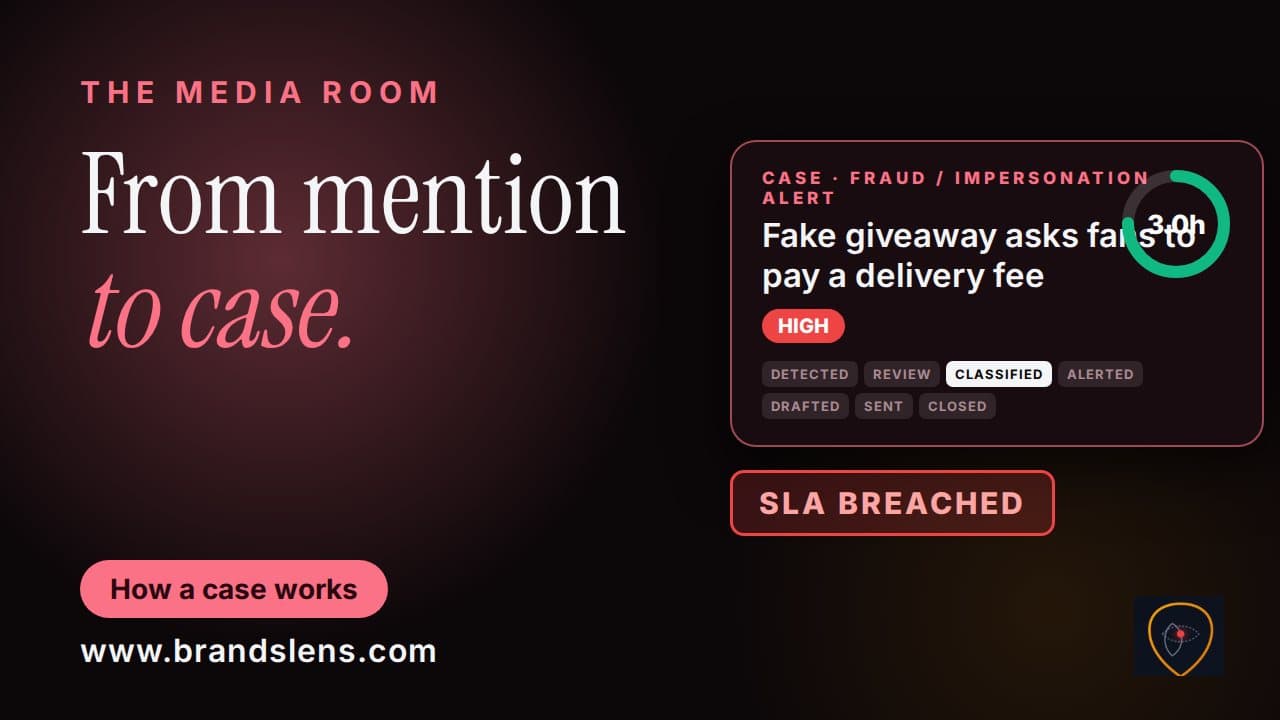
PR Crisis Case Management: Stages, Clocks & Audit Trail
How does a PR crisis case work in BrandsLens? Seven stages, a response clock and an audit trail that makes quiet edits detectable.
 1:37
Crisis Escalation Contacts & Threat Categories Explained
Set up crisis escalation contacts and threat categories so the right person hears about every case.
 1:17
Draft, Approve & Send a Crisis Statement (AI-Assisted)
Draft, approve and send a crisis statement faster with the AI Draft Statement tool in the BrandsLens Media Room.
Measure and report
Competitors, Share of Voice, media value, reports and your AI copilot.
 1:24
Competitor Media Monitoring: Track & Compare Rivals
Track and compare your competitors' media coverage: add rivals, run a competitor scan and read the Mention Volume and Sentiment charts.
 1:37
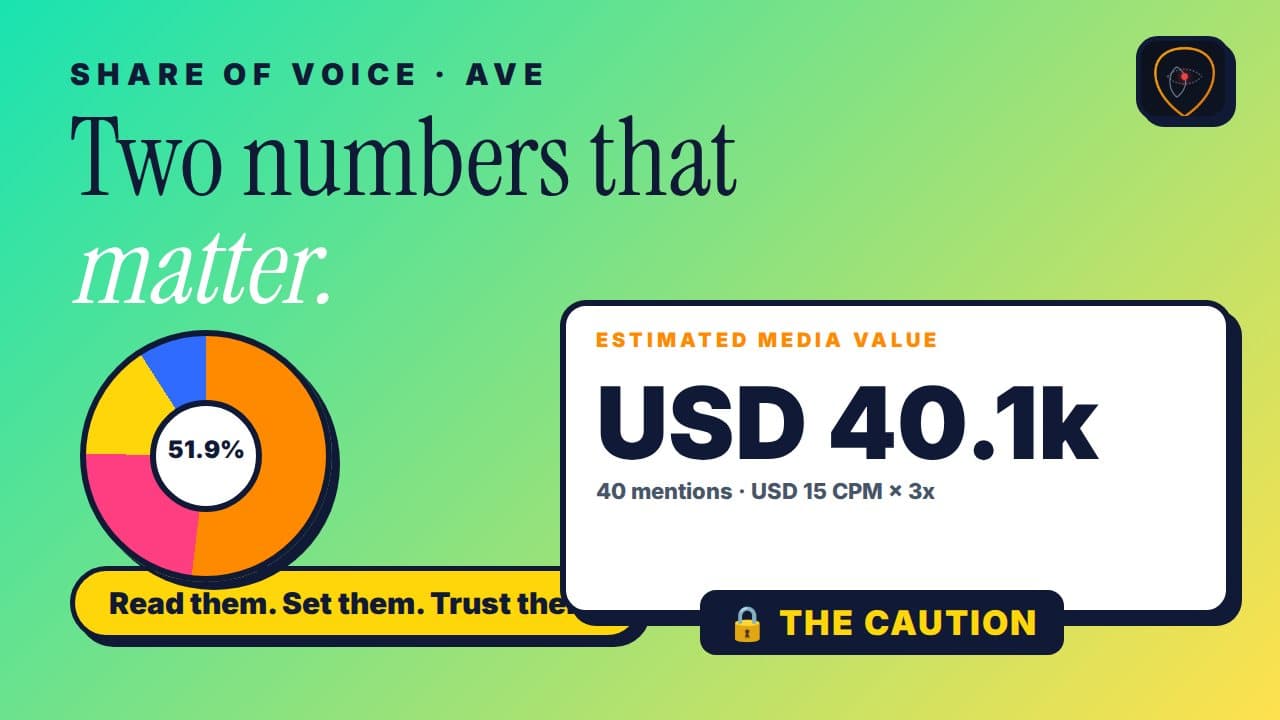
Share of Voice & Media Value (AVE): Set Your Own Rate
Share of Voice and Media Value (AVE) explained: read both, and set your own currency, CPM rate and multiplier in BrandsLens.
 1:17
Media Monitoring Reports: Download PDF, PowerPoint or Excel
Create a media monitoring report in BrandsLens: choose dates and keywords, preview it and download PDF, PowerPoint or Excel in one click.
 Coming soon
Ask BrandsLens: AI Copilot for Your Monitoring Data
Ask BrandsLens, the AI copilot for your brand monitoring data: how to ask a good question and check the answer.
Your account
Teams and roles, billing, referrals and using BrandsLens on your phone.
 Coming soon
Invite Your Team: Roles & Invite Links in BrandsLens
Invite colleagues to BrandsLens, choose the right role and share the invite link, in under two minutes.
 Coming soon
BrandsLens Billing: Plans, Renewals & Paying in Naira
How billing works in BrandsLens: find your plan, change cycle, pay in naira, request an Enterprise quote and understand renewals.
 Coming soon
Refer & Earn: Share Your BrandsLens Link, Earn Commission
Refer and earn with BrandsLens: copy your referral link, understand the commission rules and add your payout details.
 Coming soon
BrandsLens on Your Phone: iPhone & Android Setup
Use BrandsLens on your phone: navigate the mobile layout and set up push notifications on iPhone and Android.
Before you join
Create your account and get started.
Ready to see it on your own brand?
Start monitoring today and put these resources to work.
Start monitoring today