In this 1:29 tutorial you will learn how to change the date range, run a historical search and know how far back your plan reaches.
What you will learn
- Change the date range across the whole app
- Run a historical search for older mentions (Growth and above)
- How far back each plan can look, and where old mentions end up
Chapters
Good to know
How far back can I search?
It depends on your plan. Historical search is not on Standard, Growth reaches back 5 years, Professional 10 years, and Enterprise is unlimited.
Transcript
Read the full transcript
Want to see last month, or last year? Two controls make that easy. Stay to the end, and I will show you where every old mention ends up.
The Date range control sits at the top of every screen. Choose All time, Today, This week, This month, or Custom, and pick your own dates. The whole platform follows your choice.
On Growth and above, Historical range and Search Historical look back through older coverage. Choose a range, then select Search Historical. BrandsLens starts the search, and adds results as they are found.
How far back you can go depends on your plan. Growth reaches five years. Professional reaches ten years.
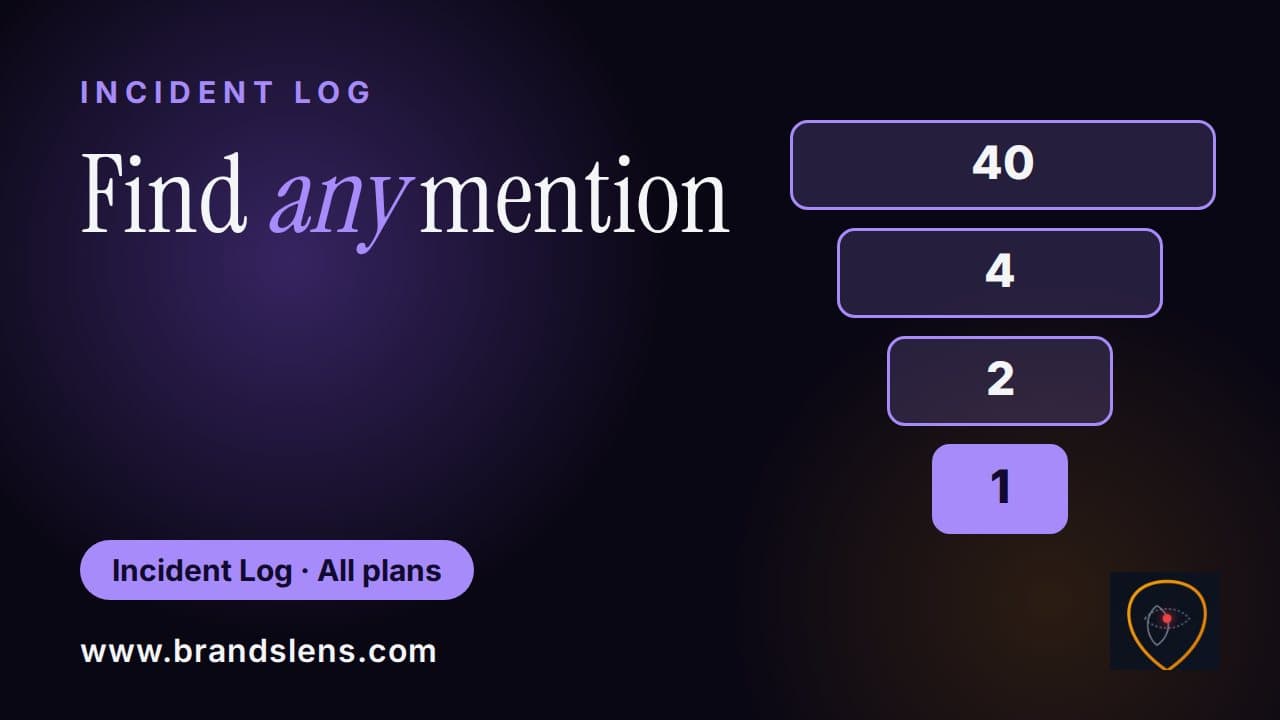
Enterprise goes as far back as possible. Standard does not include historical search. Historical findings are labelled in the Incident Log.
Use the Found via filter, and choose Historical search, to see only those. There they are, labelled and filed. Date range changes what you see.
Historical search changes what BrandsLens finds. Next, your profile and alerts. com to get started.